Everything you might want to know before you download AddToPDF.
What is AddToPDF?
AddToPDF is a simple, native PDF editor for Mac, iPhone and iPad. It lets you add text to any PDF, sign documents and fill out forms. On the Mac it also merges and splits PDFs; on iPhone and iPad it can scan paper documents with the camera. Everything runs on your device — there is no cloud, no account, and no subscription.
How much does AddToPDF cost?
AddToPDF is a one-time purchase of $2.99 on the App Store. There is no subscription, no monthly fee, and no "Pro" upgrade — you buy it once and own it. The single purchase covers Mac, iPhone and iPad.
Is AddToPDF a subscription?
No. AddToPDF is a single one-time purchase. There are no recurring charges of any kind.
Is AddToPDF private? Does it work offline?
Yes. AddToPDF works fully offline and makes no network requests at all. Your files never leave your device — there is no cloud upload, no account, and no telemetry. This is true on Mac, iPhone and iPad alike.
Can I add text to a PDF that isn't a form?
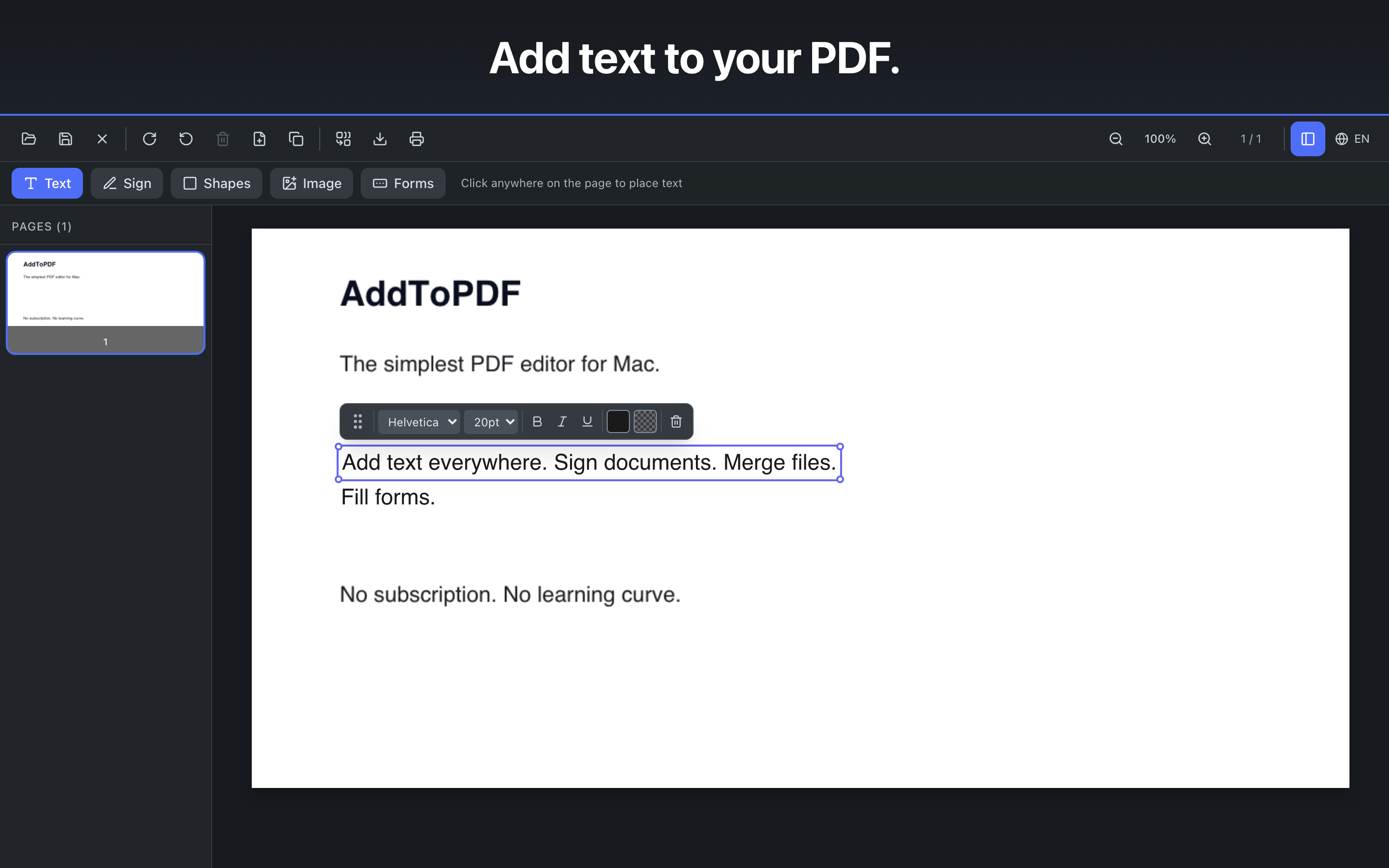
Yes. Click anywhere on any PDF and start typing — even over existing content. The text is saved as sharp, searchable vector text, not a flattened image.
Can I sign a PDF with AddToPDF?
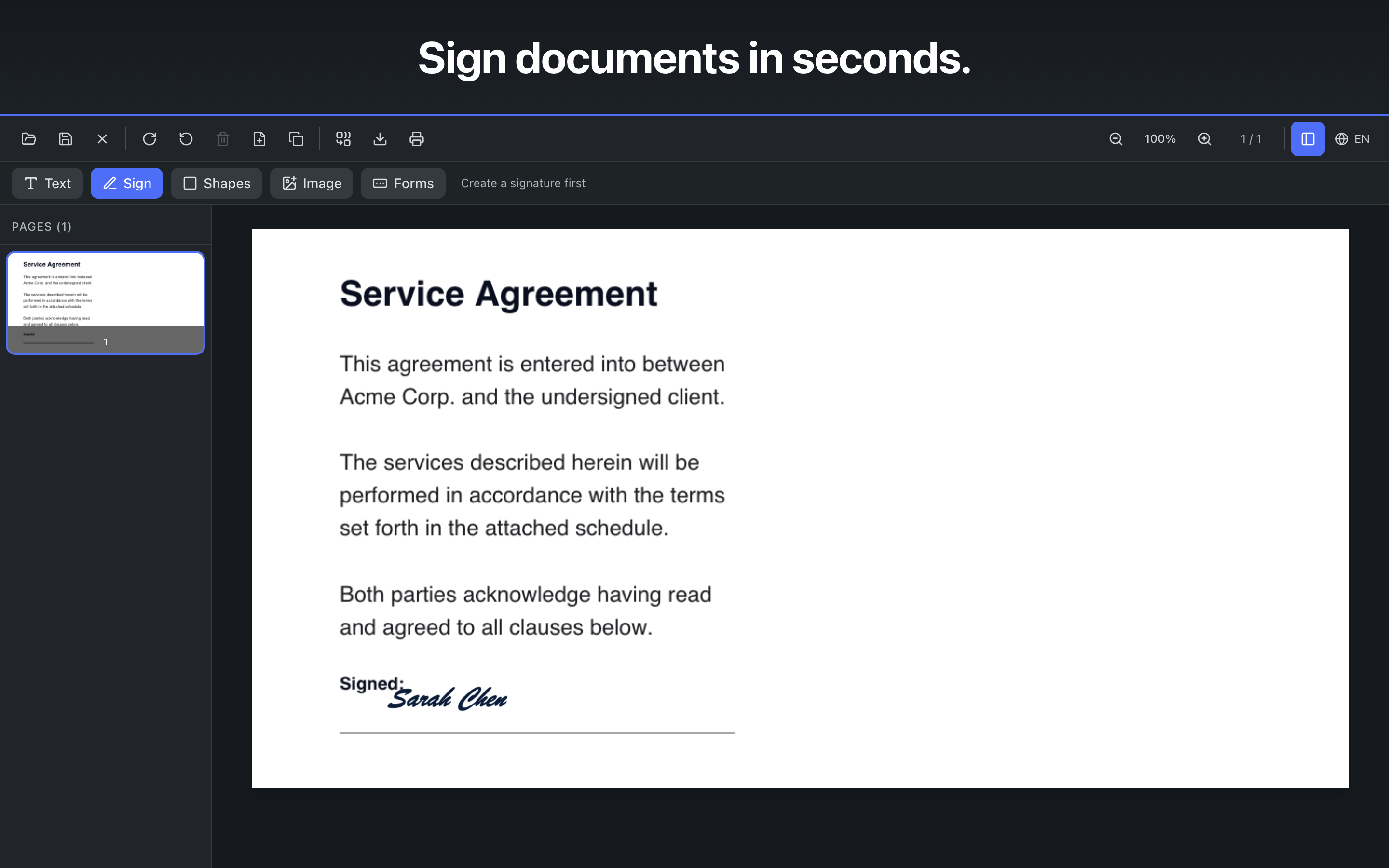
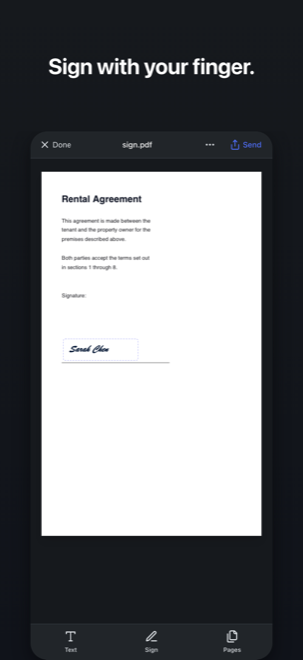
Yes. Draw, type, or upload your signature, then place and resize it anywhere on the document. Signatures are saved for reuse.
Can I fill out PDF forms?
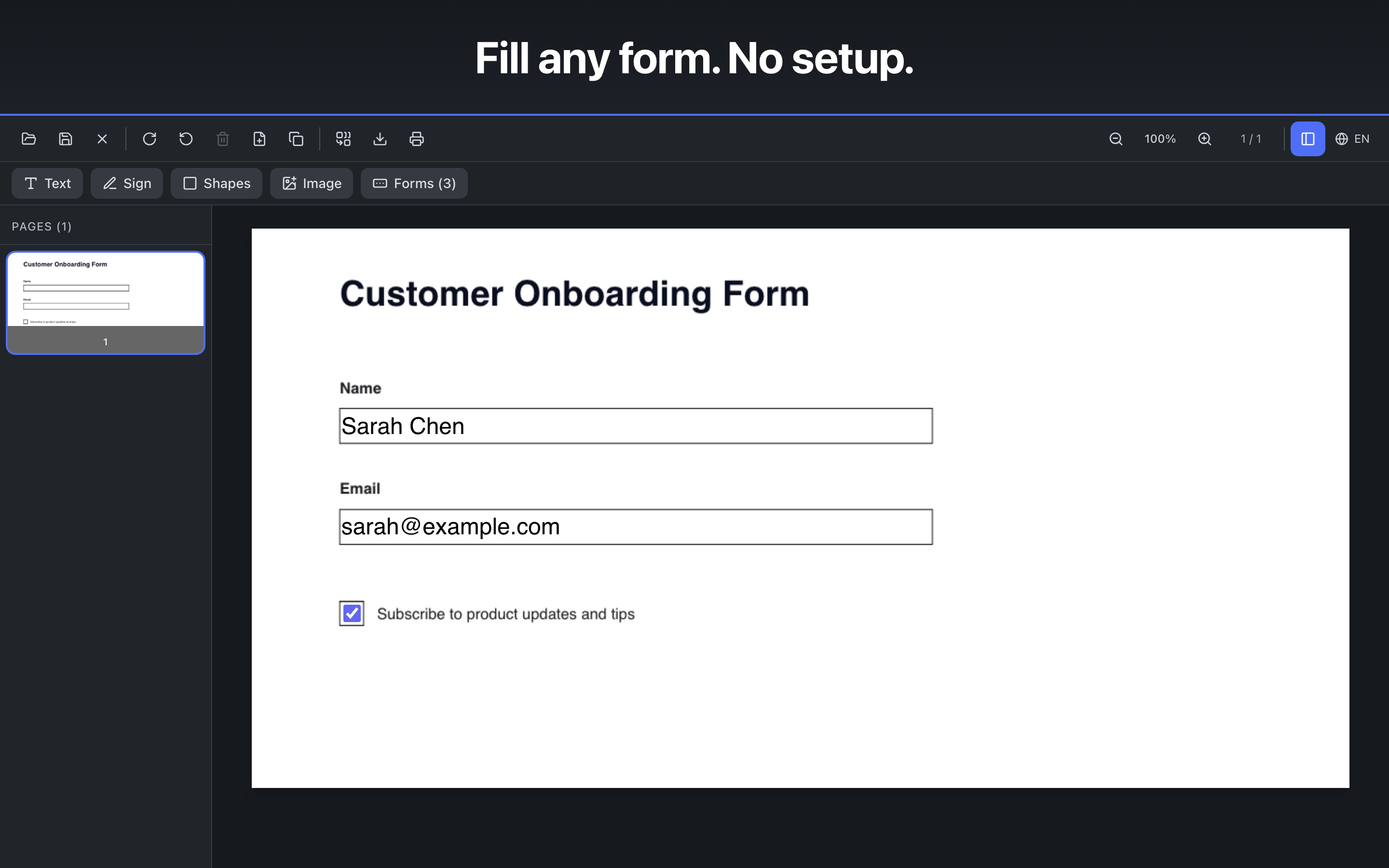
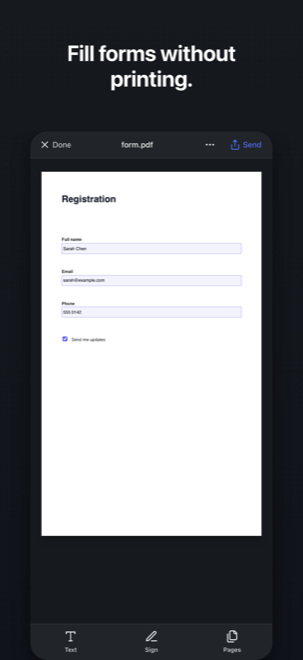
Yes. AddToPDF automatically detects existing form fields — text inputs, checkboxes, and dropdowns — so you can just click and fill.
Can I merge or split PDFs?
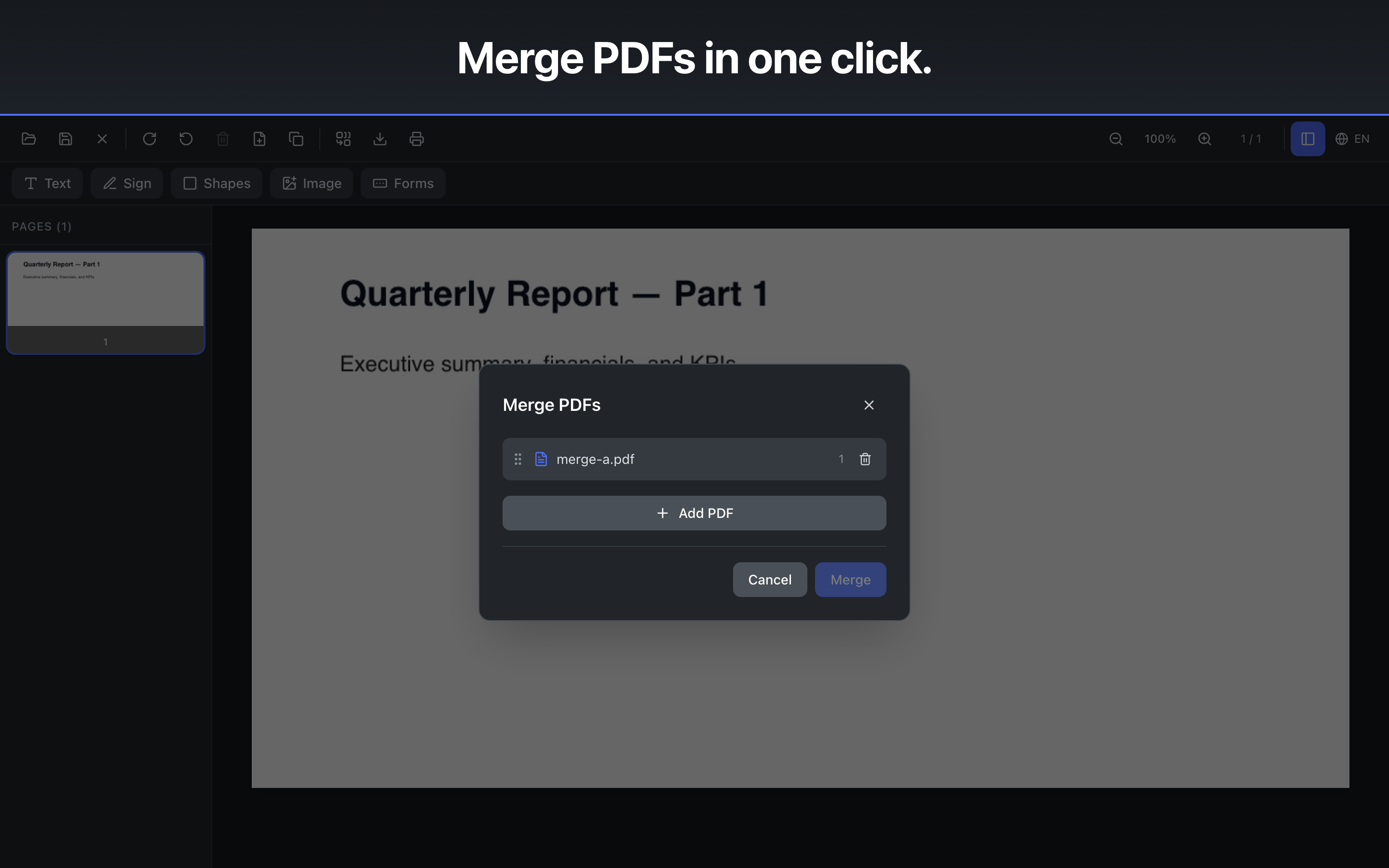
On the Mac, yes — combine multiple PDFs into one, or extract any page range into a new file, with no page limits and no watermarks. The iPhone and iPad version does not have standalone merge or split; there, scanning several pages in one pass produces a single combined PDF.
Can AddToPDF edit the existing text in a PDF?
AddToPDF adds new text, signatures, shapes, and images on top of a PDF — it does not reflow or rewrite the original body text (that's why it's called AddToPDF). For adding, signing, filling, and covering content, it works anywhere on the page.
How is AddToPDF different from Preview?
Apple's Preview can't reliably add text to a flat (non-form) PDF or fill interactive form fields. AddToPDF does both, keeps text as real vector text, and adds form detection, shapes, and clean merge/split — while staying just as simple.
How is AddToPDF different from Adobe Acrobat or PDF Expert?
Acrobat and PDF Expert are far more capable — they edit existing PDF text, do OCR and convert between formats, which AddToPDF does not. They are also sold by subscription (PDF Expert offers a Mac-only lifetime licence). AddToPDF is a one-time purchase covering Mac, iPhone and iPad, with no account and no cloud, and it deliberately covers only the handful of tasks most people actually need. Our honest comparison guide goes through this properly, including where they beat us.
What macOS and iOS versions does AddToPDF support?
On the Mac, AddToPDF requires macOS 11 (Big Sur) or later and runs natively on both Apple Silicon and Intel Macs. On iPhone and iPad it requires iOS or iPadOS 14 or later.
Is there an iPhone or iPad version?
Yes. AddToPDF is available for iPhone and iPad as well as Mac. It is an Apple Universal Purchase, so a single $2.99 purchase covers all three — if you already bought the Mac app, the iPhone and iPad version costs nothing extra. The two versions are not identical; the table above shows exactly what differs.
Can I scan a paper document with AddToPDF?
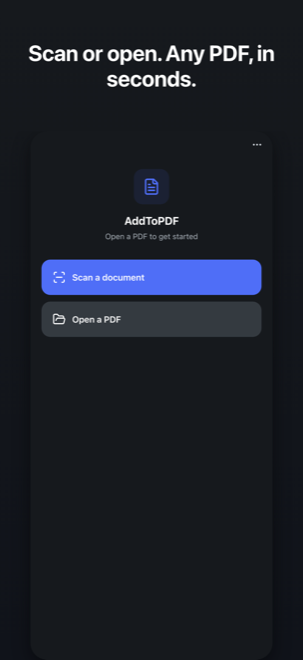
On iPhone and iPad, yes. AddToPDF uses Apple's built-in document scanner, so it detects page edges and corrects perspective automatically. Scanning several pages in one pass produces a single multi-page PDF. The Mac version has no camera scanning.
Can I open a PDF that someone sent me on my iPhone?
Yes. From Mail, Messages, Files or any other app, tap Share and choose AddToPDF. The PDF opens in the app, and when you are finished you send it back out through the standard iOS share sheet.
Where are my files saved?
Wherever you choose. On the Mac, AddToPDF uses the standard Save dialog. On iPhone and iPad it hands the finished PDF to the system share sheet, so you can save it to Files, mail it, or send it to any other app. Nothing is ever uploaded or synced to a server.
Does AddToPDF do OCR on scanned PDFs?
No, and it is not planned. AddToPDF does not perform OCR (text recognition on scanned images), so the words in a scan will not become selectable or searchable. You can still add text, sign and annotate a scanned PDF. If you need OCR, use PDFgear (free), Adobe Acrobat, PDF Expert or Foxit.
 $2.99 pay once